
Your app's marketing team, on autopilot.
- 170K+ views in 6 weeks
- AI-recorded app footage
- 7 platforms, posted for you
Marketing OS films your app by itself, lets AI pick the moments worth showing, then writes, voices, cuts and posts the short videos. It reads back every view and like to decide what to make next. We built it for our own eleven apps. Now we're opening it up.
- 170K+views on posts it made
- 1,400+posts published
- 7social platforms, one queue
- 11apps marketed
Our own numbers, for bailong's apps, from 2026-09-14 to 2026-10-29.
Made by Marketing OS. Not by an editor.
Written, voiced, cut, captioned and posted with nobody opening a video editor. The numbers are what the platforms reported.
It films your app. AI picks the best moments.
No screen recordings to make and no stock clips. Marketing OS opens your app or game, plays it, records it, then has AI watch every second and keep the moments worth showing.
Records live footage
It plays through your app like a tester would and records every screen. Games get bots or a stand-in player, so there is always a real match on screen.
Watches it with AI
AI goes through the recording and marks the moments that sell: a win, a close call, a satisfying hit, the screen that shows what your app does.
Cuts the short video
Those clips go into a library the writer draws on, so every script is built around real footage and timed to the voice.
 0:01
0:01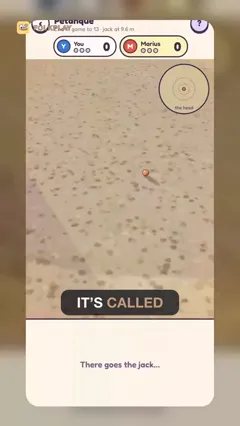 0:04
0:04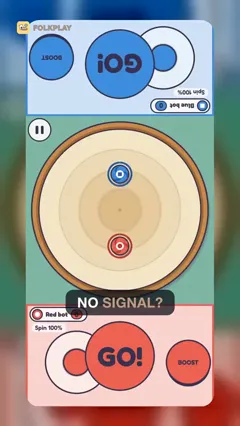 0:07
0:07 0:13
0:13 0:25
0:25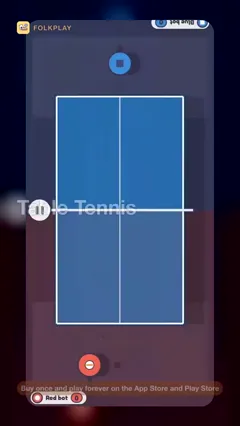 0:34
0:34
The three screens you'll keep open.
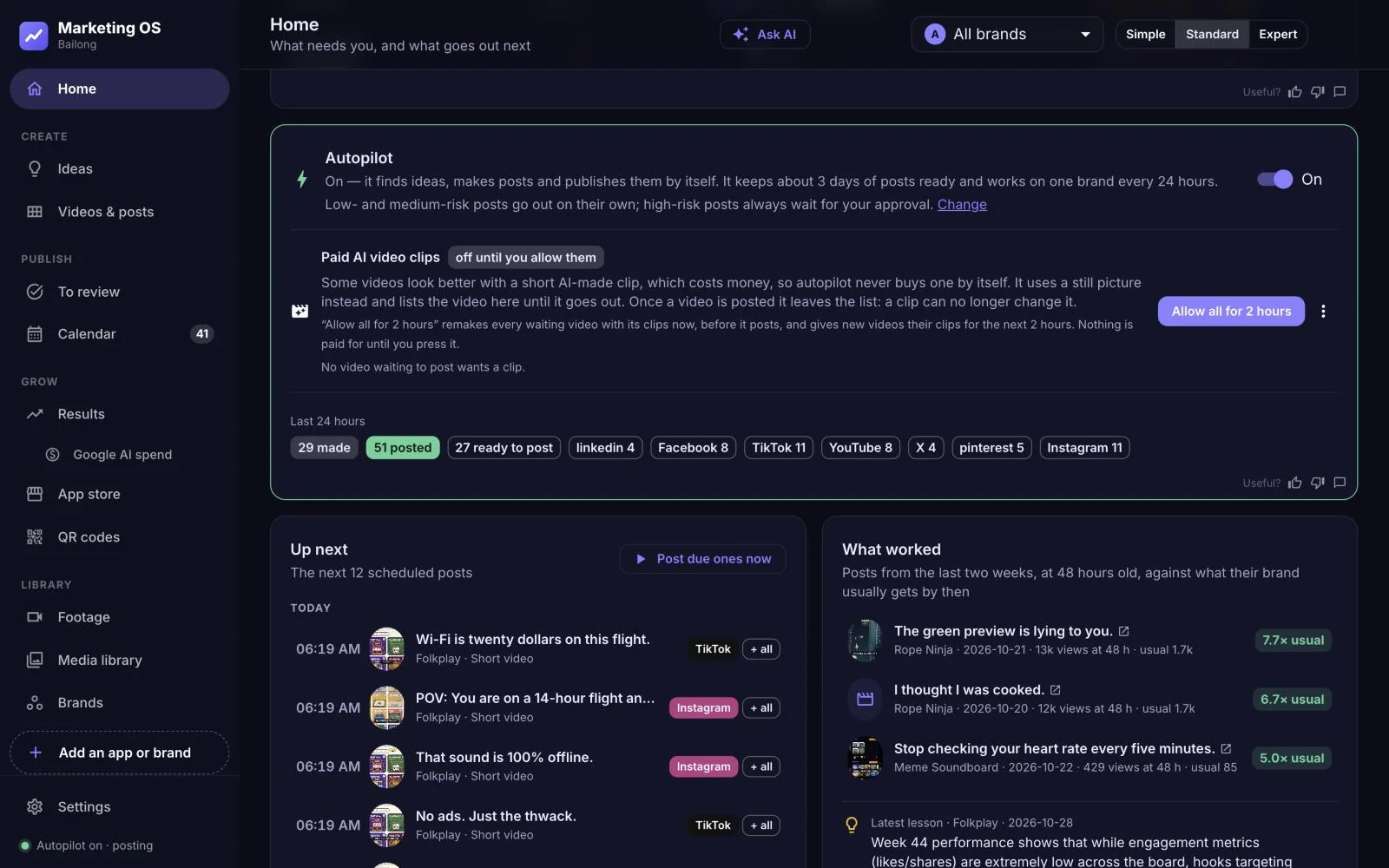
An AI that plans, makes and posts. You set how much it asks first.
Autopilot keeps every channel's queue full. It picks the next idea from what worked, writes the script, renders the video and schedules it across your channels.
- Approve everything, the first few, or nothing at all
- Ask for changes in plain words: "two videos this week, funnier"
- Every change it makes shows up in Activity, with Undo
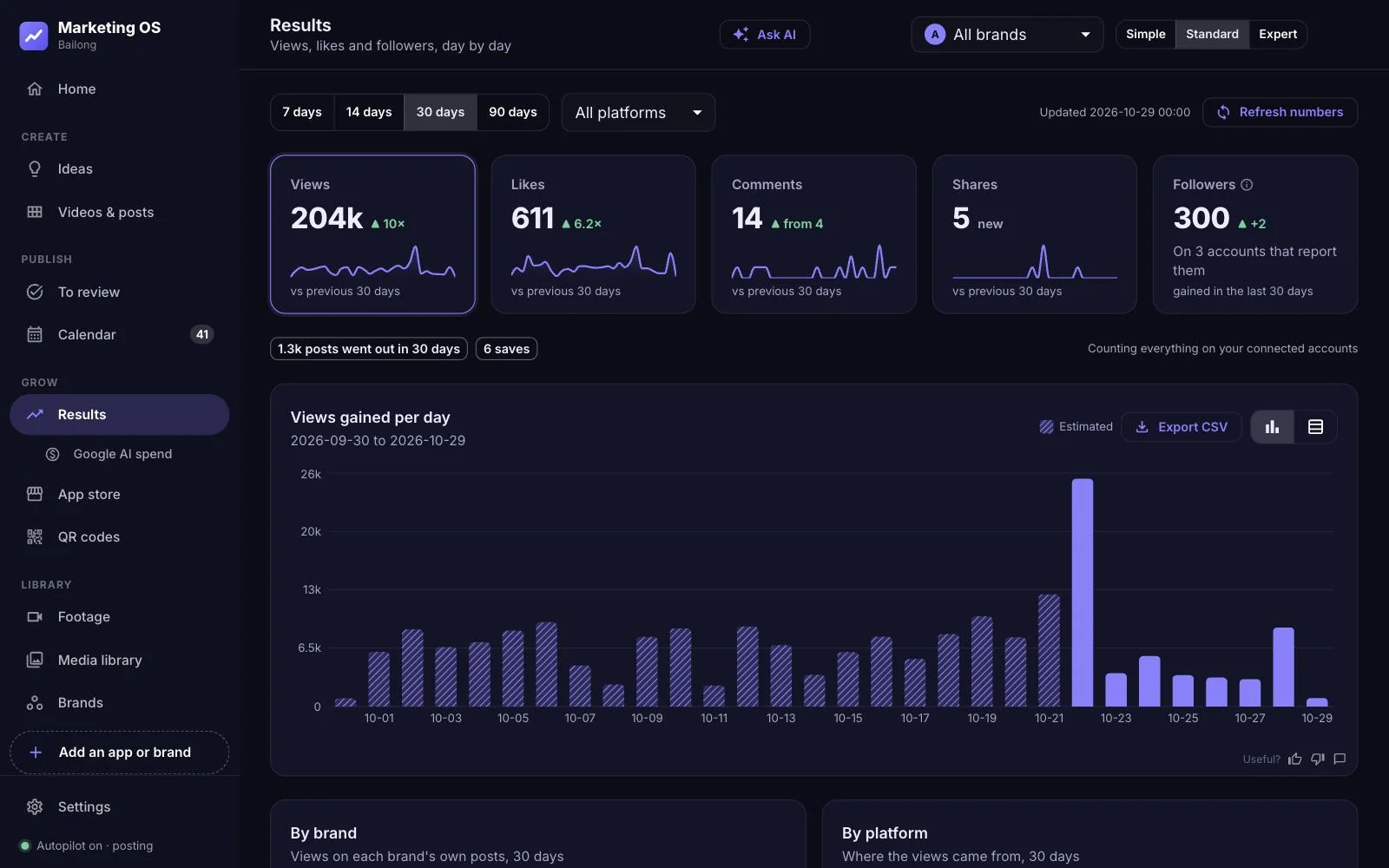
Watch the views add up, and see why.
Results pulls views and likes back from every platform, charts the growth and tells you which hooks, formats and posting times are carrying the account.
- Views over time, per app and per platform
- A/B hook tests with a verdict, not just a chart
- What it learns feeds straight into the next videos
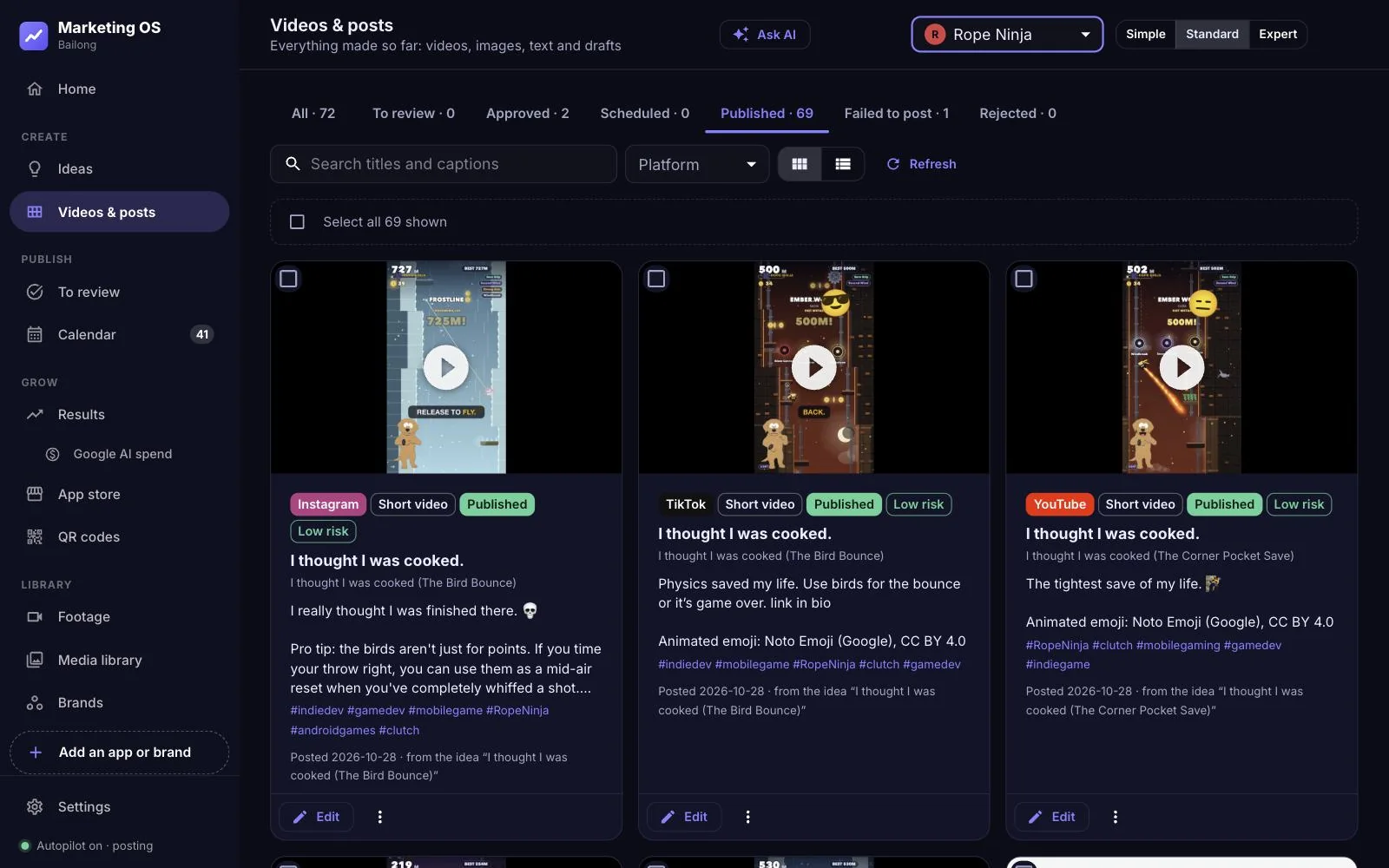
Every video in one place, ready to post again.
Each render lands in the library with its script, captions and numbers. Reuse the winners, make one like a video you love, or send a cut to another platform in a click.
- Vertical 9:16 renders with word-timed captions
- Paste a video you like and get one in the same structure
- Each app keeps its own characters and voices
Everything a small team skips because there's no time.
Voices and characters
Give each app a narrator and a mascot. Upload a presenter clip and it lip-syncs them.
Captions that keep time
Captions are timed to each spoken word, so the text lands with the voice.
Posts everywhere
TikTok, Instagram, YouTube Shorts, Facebook, X, Pinterest and LinkedIn from one queue.
Hook tests
Two openings for the same idea, posted apart, scored on real views.
Your real product
Videos show your app as it really is: footage it records itself, your screenshots and trailer, and anything you upload.
Starts from a link
Paste your store listing or website. It writes the brand summary for you to confirm.
Three steps, then it runs.
Paste a link
Your App Store or Google Play listing, or your website. Marketing OS reads it, drafts what your app is and who it's for, and starts recording footage.
Connect and choose
Connect your social accounts once, then pick how much autopilot asks before it posts.
Approve your first video
It makes one straight away. Post it from the setup screen, and the next ones follow on their own.
Get in early.
We're letting people in from the waitlist in small groups. Tell us what you're building and we'll email you when your spot opens.
Questions, answered.
What does Marketing OS actually do?
It reads your store listing or website, plans posts, writes the scripts, voices and renders vertical videos with captions, posts them to your social accounts, and reads back views and likes to decide what to make next.
Do I have to approve every post?
You choose. Approve everything, approve only the first few, or let autopilot post on its own. You can change the level at any time.
Do I need to send footage or screen recordings?
No. Marketing OS records your app itself and AI chooses the clips. If you have footage you love, upload it and it gets used too.
Is it only for games?
No. Our own apps include games, a tarot app, a mortgage-rate tracker and smartwatch faces. If your product has a store listing or a website, Marketing OS can start from it.
Which platforms does it post to?
TikTok, Instagram, YouTube Shorts, Facebook, X, Pinterest and LinkedIn. You connect your accounts once; it posts as you.
Are the numbers on this page real?
Yes. They are views and likes the platforms reported for posts Marketing OS made for bailong's own apps between 2026-09-14 and 2026-10-29. Your results will depend on your app and audience.
What will it cost?
Plans will be announced before launch. People on the waitlist hear first and get in first.
What do you do with my email?
We keep it in our email service, Brevo, only to tell you about Marketing OS. Every email has an unsubscribe link, and you can ask us to delete it at any time.